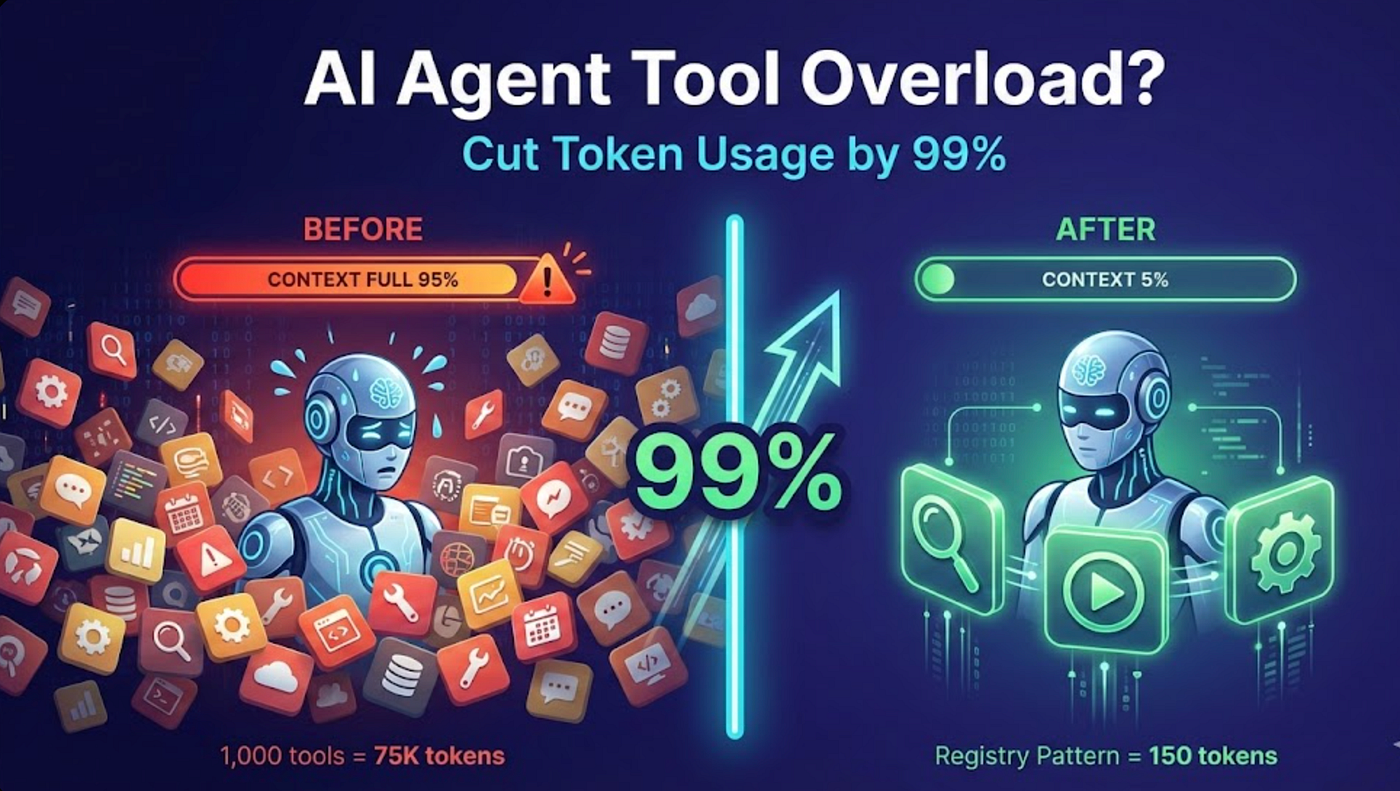
Large Language Models (LLMs) have transformed software development. Whether you’re using ChatGPT, Claude, Gemini, Qwen, DeepSeek, or an AI-powered IDE such as Cursor, Windsurf, or GitHub Copilot, one principle remains constant: the quality of your output depends heavily on how intelligently you use your context window (tokens).
Many developers assume that simply pasting more code into an LLM will produce better results. In reality, excessive context often leads to slower responses, higher costs, reduced accuracy, and the model losing focus on the actual problem. Effective token management has become an essential skill for developers building with AI.
Understanding Tokens
A token is the basic unit that an LLM processes. Tokens are not exactly words; they are smaller pieces of text that together form prompts, code, and responses.
Every interaction with an LLM consumes tokens in three ways:
- The system instructions.
- Your prompt and attached code.
- The model’s generated response.
All of these together must fit within the model’s available context window. Once that window is filled, older information may be truncated or the model may struggle to maintain coherence.
Why Token Efficiency Matters
Smart token usage provides several practical advantages:
- Faster response times.
- Lower API costs.
- Better reasoning quality.
- Reduced hallucinations.
- More consistent coding assistance.
- Improved debugging accuracy.
Instead of overwhelming the model with thousands of lines of code, provide only the information necessary to solve the current task.
Think Like a Senior Software Architect
When collaborating with an AI coding assistant, imagine you’re onboarding a new engineer. You wouldn’t hand them your entire repository and ask them to “fix everything.” You would provide:
- The project overview.
- The relevant module.
- The specific problem.
- The expected outcome.
- Any constraints.
The same approach works best with coding LLMs.
Keep Prompts Task-Oriented
Rather than asking:
Improve my application.
Break the work into focused tasks:
- Refactor the authentication module.
- Optimize the database query.
- Fix memory leaks in image processing.
- Add JWT authentication.
- Improve API error handling.
Focused prompts require fewer tokens and produce significantly better results.
Send Only Relevant Files
One of the biggest mistakes is uploading an entire project.
For example, if you’re debugging a login page, the model rarely needs:
- Docker configuration.
- Kubernetes manifests.
- CI/CD workflows.
- README files.
- Static assets.
- Unrelated backend services.
Instead, include only:
- Login component.
- Authentication service.
- API endpoint.
- Error logs.
- Relevant configuration.
This keeps the model’s attention on the problem.
Build a Persistent Project Context
Instead of repeatedly explaining your project, create a reusable project brief.
For example:
Project:
Government Grievance Management Portal
Stack:
Next.js 15
React
TypeScript
Tailwind CSS
Node.js
PostgreSQL
Prisma
Coding Standards:
- Functional components
- Type-safe APIs
- Reusable UI components
- Clean architecture
- WCAG compliance
Store this as a reusable prompt or workspace instruction so you don’t have to resend it in every conversation.
Use Progressive Context Loading
Don’t expose the entire project immediately.
Start with:
- The objective.
- The affected file.
- The error message.
- The expected behaviour.
Only add additional files if the model explicitly requests them.
This progressive approach reduces token usage while maintaining high accuracy.
Summarize Before Expanding
Long conversations gradually consume the context window.
After completing a feature, ask the model to summarize the work:
- Files modified.
- Architecture decisions.
- Remaining tasks.
- Known issues.
Use this concise summary as the starting point for the next session instead of retaining the full conversation history.
Avoid Repeating Information
Developers often repeat identical details across prompts:
“My project uses React.”
“My project uses Next.js.”
“My project uses PostgreSQL.”
“My project uses Prisma.”
“My project uses Tailwind.”
Repeated context wastes valuable tokens. Define these details once and reference them only when they change.
Let the Model Ask for Missing Context
Instead of flooding the model with every file, instruct it to request additional information if needed.
For example:
“If you need more files to solve this issue, ask before making assumptions.”
This encourages iterative collaboration and avoids unnecessary context.
Separate Planning from Implementation
Use two distinct phases.
Phase 1: Architecture
Discuss:
- Design.
- Folder structure.
- APIs.
- Database schema.
- State management.
- Security.
Phase 2: Coding
Generate the implementation once the design is finalized.
Mixing architecture and implementation in one prompt often results in lengthy, less focused responses.
Use AI as a Pair Programmer
The best developers don’t ask AI to write everything. Instead, they collaborate with it.
Examples include:
- Reviewing pull requests.
- Explaining unfamiliar code.
- Refactoring complex functions.
- Generating test cases.
- Improving documentation.
- Identifying edge cases.
- Optimizing algorithms.
This interactive workflow keeps prompts concise and productive.
Compress Large Logs
Instead of pasting a 10,000-line log file, summarize the important details.
Include:
- Error message.
- Stack trace.
- Trigger conditions.
- Recent code changes.
The model can usually identify the issue without reading every line.
Manage Multi-Feature Projects
For large applications, maintain a feature summary.
Example:
Completed:
- Authentication.
- Dashboard.
- User management.
In Progress:
- AI transcription.
- PDF generation.
Pending:
- Notifications.
- Analytics.
- Reports.
This lightweight overview helps the model understand project status without consuming excessive context.
Know When to Start a New Chat
Long-running conversations eventually accumulate irrelevant context.
Start a fresh session when:
- Switching to a different feature.
- Changing frameworks.
- Beginning a new module.
- Refactoring a major subsystem.
Carry forward only a concise summary of previous work.
Practical Prompt Template
A simple structure that consistently produces high-quality results:
Objective
What do you want to achieve?
Context
Relevant technologies and architecture.
Relevant Files
Only the files related to the task.
Current Behaviour
What is happening now?
Expected Behaviour
What should happen?
Constraints
Coding standards, performance requirements, security rules, and UI expectations.
This structure keeps prompts focused and maximizes the value of every token.
The Future of AI-Assisted Development
As context windows continue to grow into the millions of tokens, efficient prompting will remain valuable. Larger context windows do not eliminate the need for clarity—they amplify the benefits of well-structured information.
The most effective developers are not those who send the most data to an LLM, but those who provide the right context at the right time. Thoughtful token management leads to faster development, lower costs, and more reliable AI-generated code.
In the era of AI-assisted software engineering, token efficiency is no longer just an optimization technique—it is a core engineering skill.